
Sales
Quotations, price lists, sales orders, credit limits, minimum prices and sales planning.
SAMP ERP runs sales, production, quality, stores, purchase and GST invoicing for process manufacturers — inks, coatings, resins, adhesives and chemicals. It runs on your own server, so your formulae and your figures never leave your factory.
SAMP ERP is built and supported for Indian manufacturers on Windows — GST invoices, rupees and Indian working hours. We are developing it for more regions, and for iOS.
Outside India? Tell us where you areEach step picks up where the last one stopped — the order feeds the plan, the plan feeds the job card, QA results feed the test report, and the packing list feeds the invoice.
Quotations come from your price list and customer prices, with payment terms. The minimum selling price you set for every product is checked before anything leaves the building.
A sales order checks the customer's credit limit and your minimum price, and fills GST for each line. Only an administrator can release an exception — with a password, and it is recorded.
Sales planning breaks the month's orders into products, intermediates and raw materials. Shortfalls become purchase requisitions, quotation analysis and purchase orders.
Material inward records the supplier's batch numbers against the purchase order. RM QA approves or rejects each lot, and rejections go back with their own documents.
The job card takes the recipe in KG, converts litre items by specific gravity, and issues material from stores. Intermediates such as concentrates and varnishes are made and costed the same way.
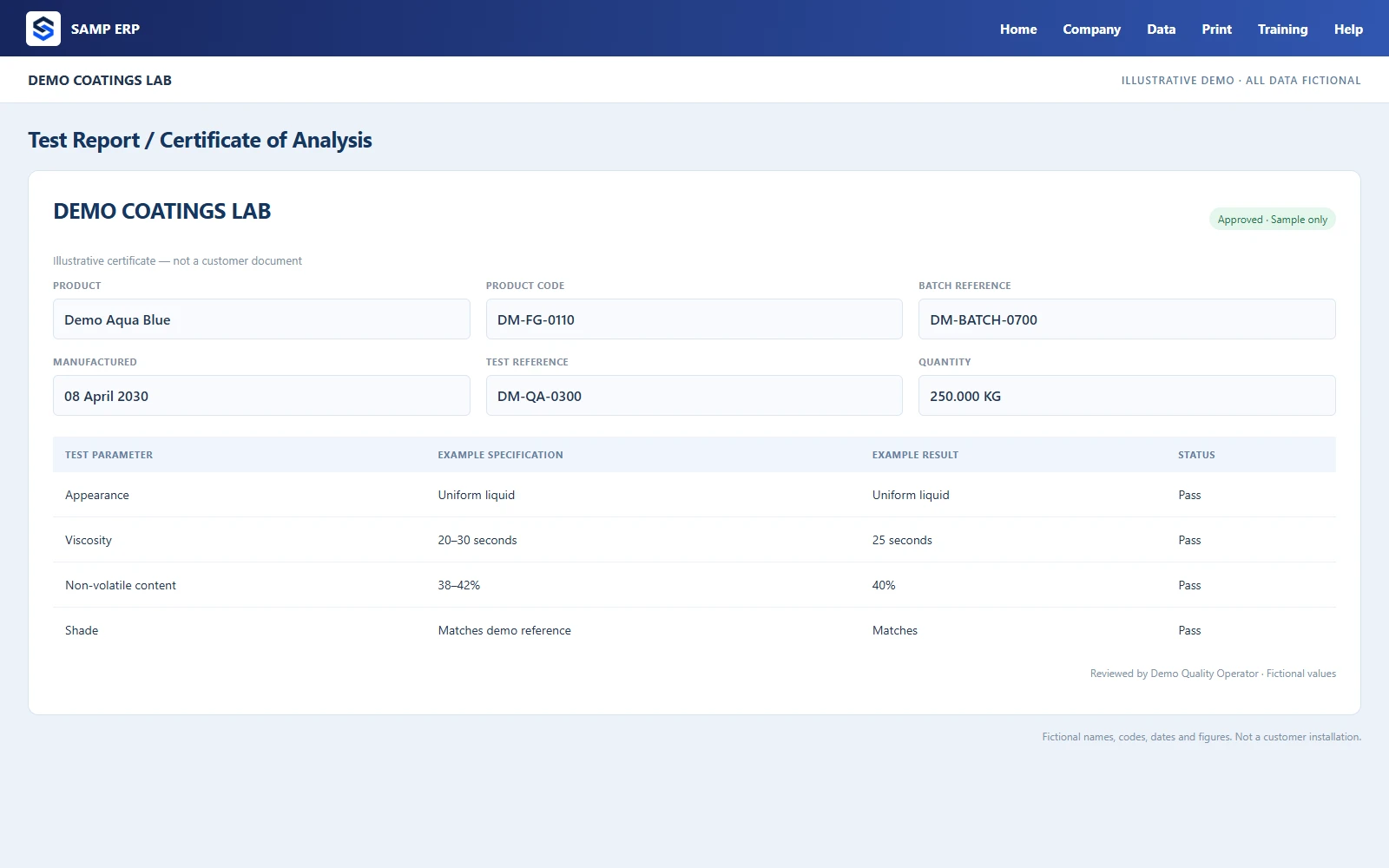
Production QA records results against your specifications. The test report (COA), TEF analysis, shade card, MSDS and TDS are produced from them in your own layout.
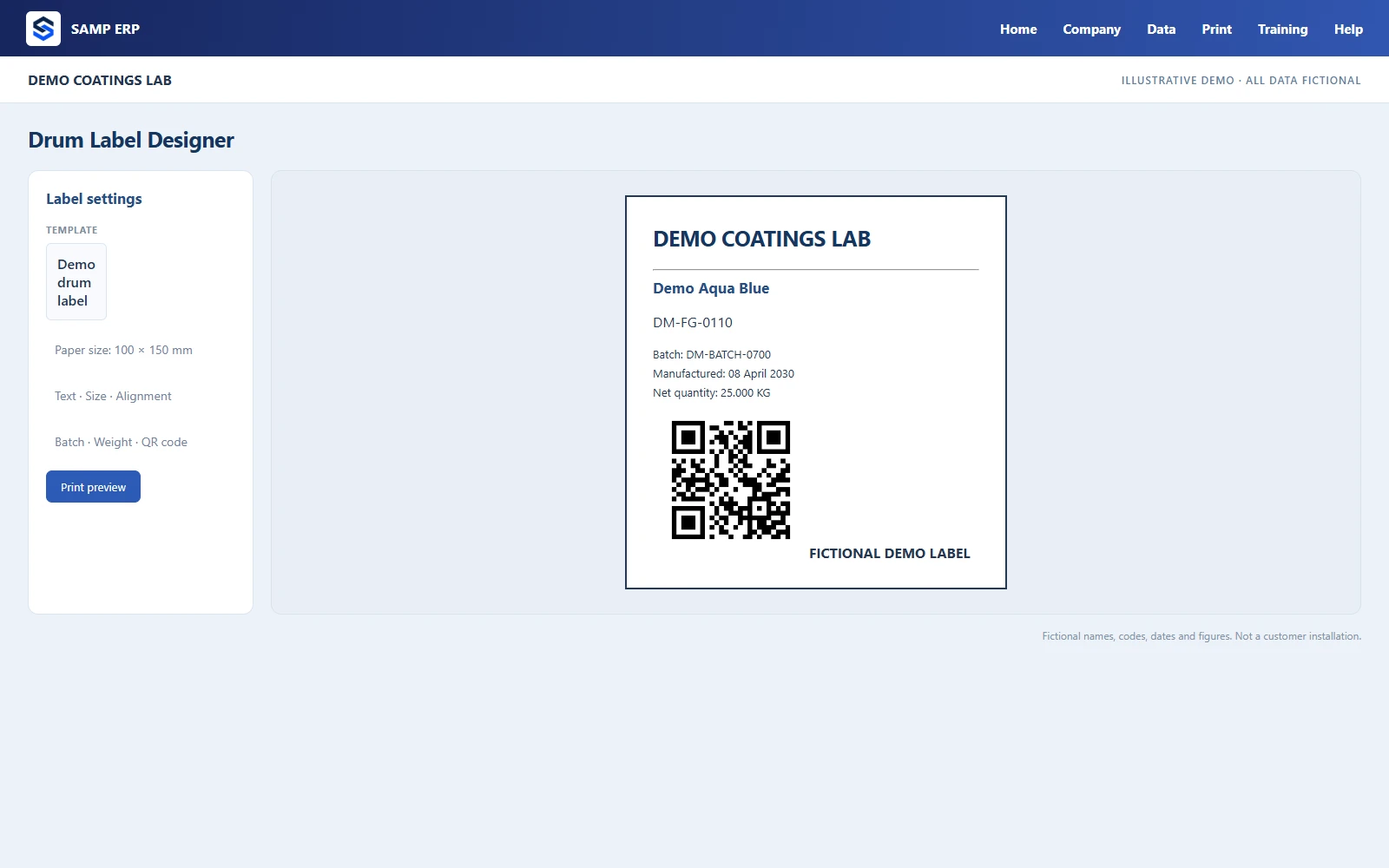
Packing lists know the pack sizes and packing materials used. Drum labels print with batch, quantity and QR code, and the delivery note follows the packing list.
The tax invoice is made from the packing list with CGST, SGST or IGST and a UPI QR code. Receipts are allocated to invoices, and overdue amounts show up in receivables and customer statements.
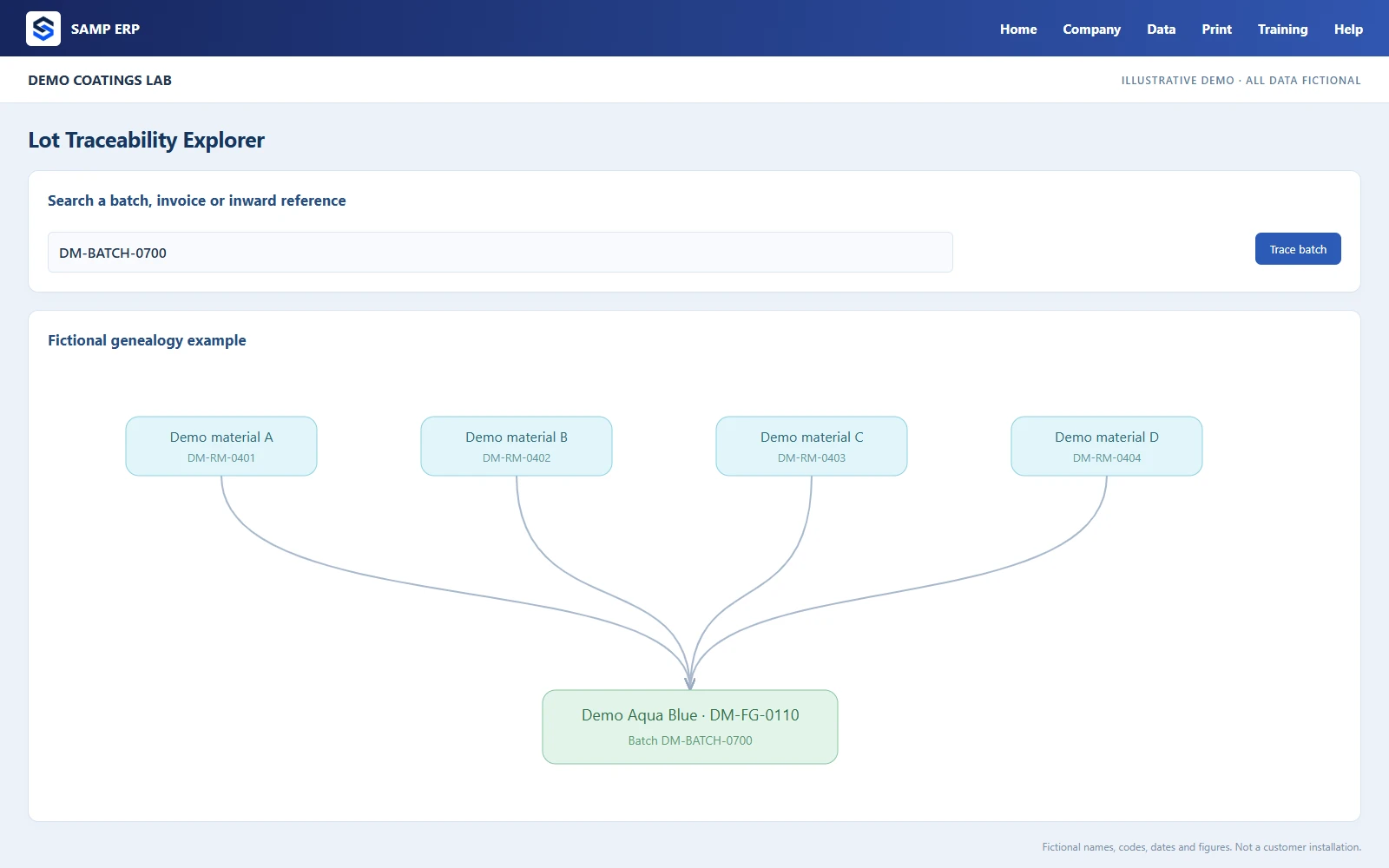
Explore illustrative previews of the ERP's workflows, using entirely fictional names, codes and figures. The examples show connected production, quality and business workflows.
Open a job card from the sales order and the recipe comes with it. The progress strip shows exactly where each batch is.
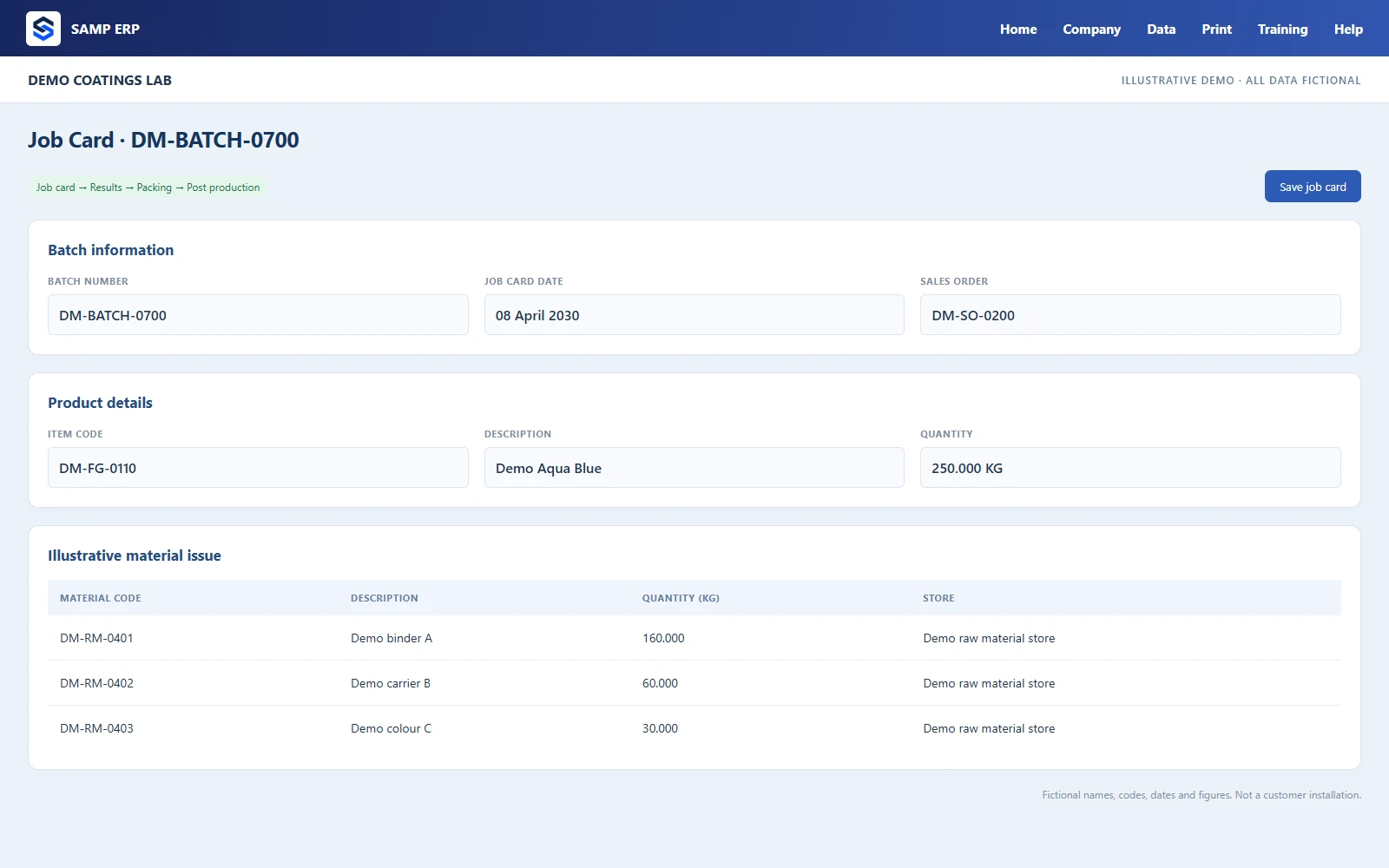
QA enters the results once. The certificate of analysis, the shade card and the safety sheets are built from them, in your own layout.
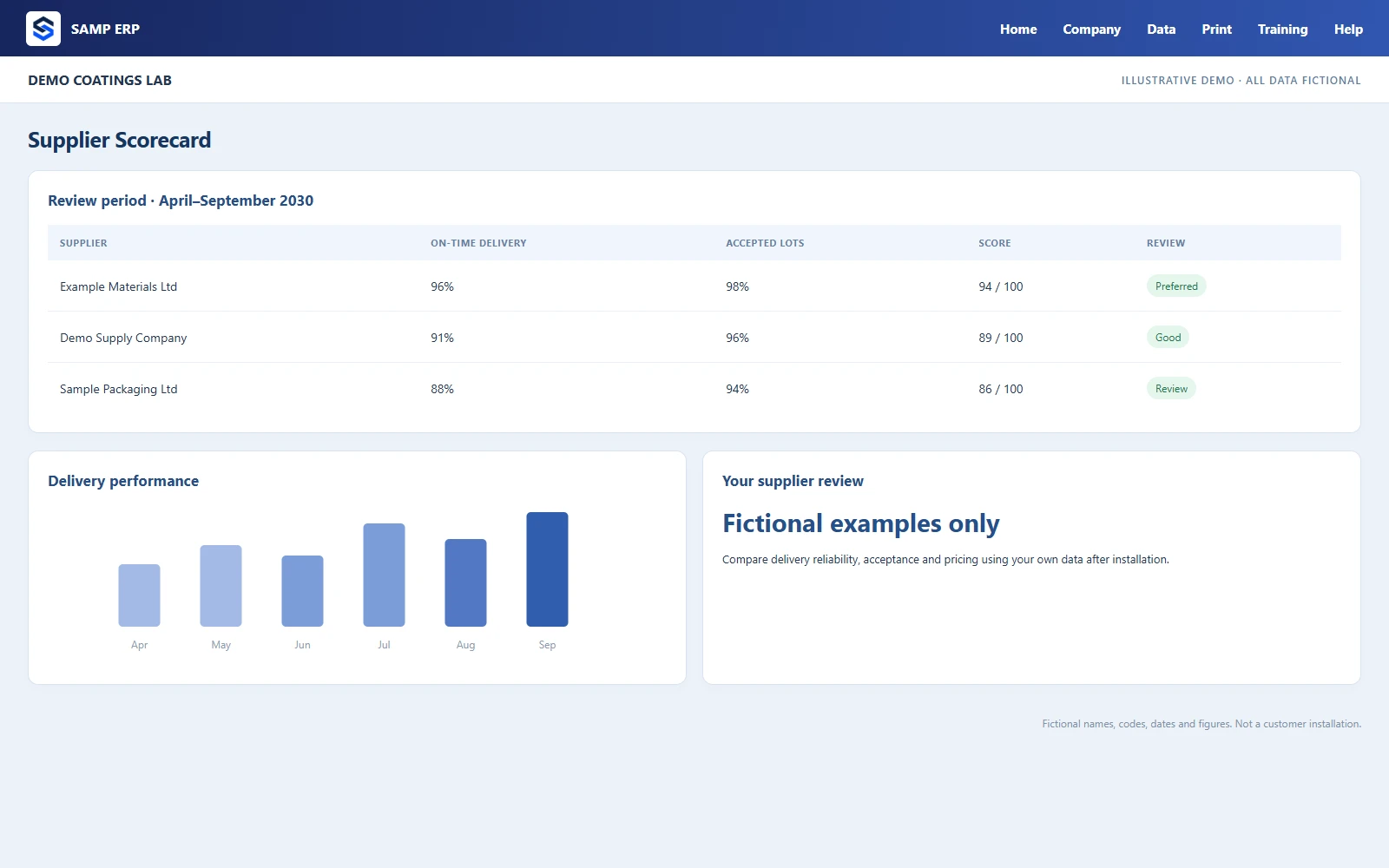
Requisitions turn into quotation analysis and purchase orders. Every inward is checked against the order, the price and the quality result.
Design drum labels to scale with QR codes and barcodes, and adjust any printout — invoice, job card, COA — without calling a programmer.
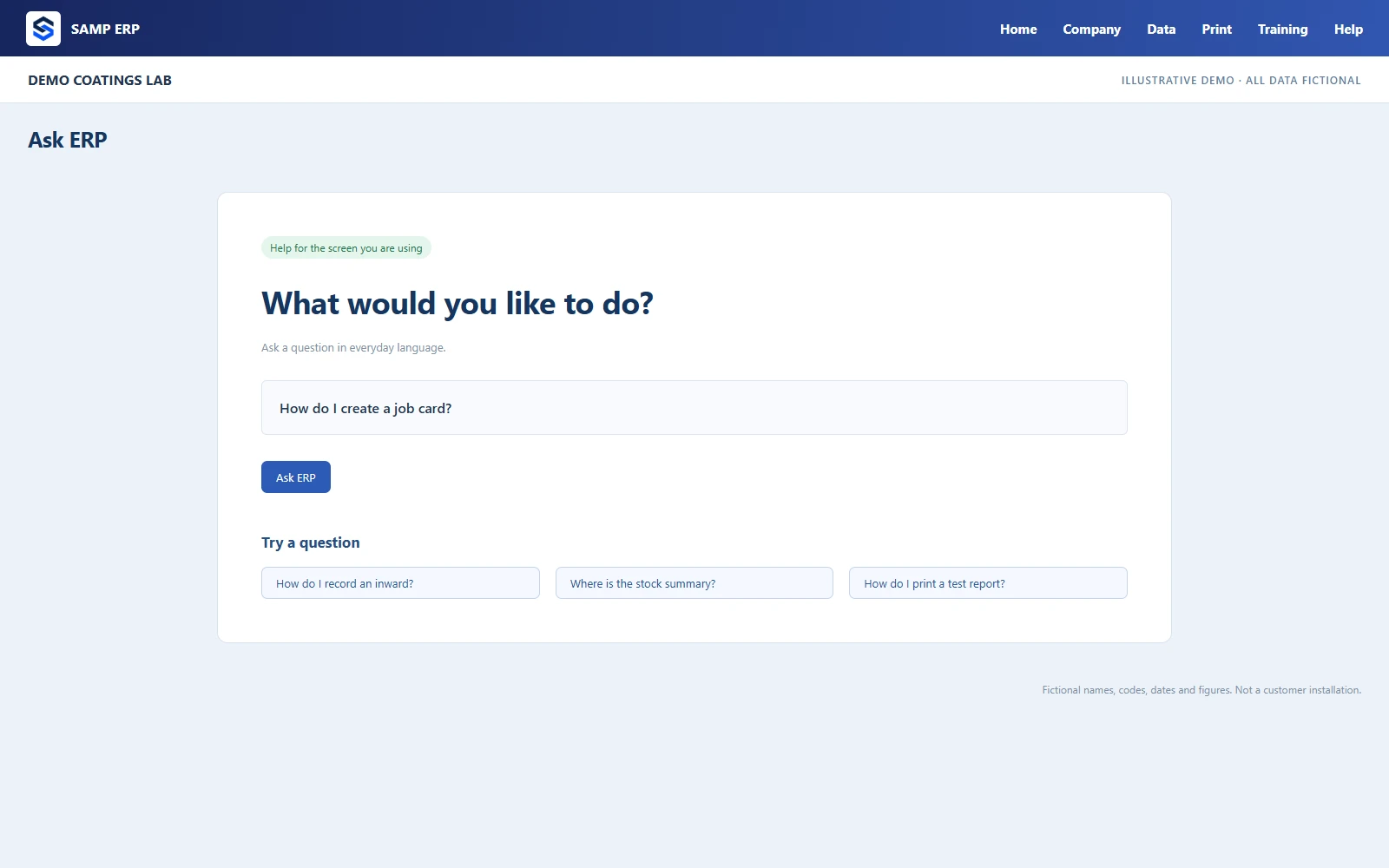
“Stock of Pigment Red 57:1”, “who owes us money”, “pending purchase orders” — Ask ERP answers from your records in a second, and explains how to do anything in the ERP.
Screens shown with sample names. Your data stays yours.
Quotations, price lists, sales orders, credit limits, minimum prices and sales planning.
Recipes with revisions, job cards, intermediates, post production and batch costing.
RM and production QA, test reports, TEF, shade cards and complaints with CAPA.
Safety and technical data sheets by group or product, with GHS hazard details.
Stock in KG, inward with supplier batches, issue slips, physical stock and low-stock alerts.
Requisitions, quotation analysis, purchase orders and the supplier scorecard.
Tax invoices, receipts, payments, journals, cheques, receivables and payables.
Packing lists, labels, delivery notes and marine insurance declarations.
Management charts, sales register, material balance, MIS and traceability.
Email, WhatsApp and SMS from one outbox, with alerts for dues, stock and orders.
Roles, 126 permissions, several companies, an audit trail and an editor console.
A built-in guided course, a help guide and Ask ERP on every screen.
SAMP ERP is installed on one PC in your factory. Every other PC connects to it over your own network — even when the internet is down.
An ERP holds everything a business owns on paper. These are the guarantees we built in, because we needed them ourselves.
Updates are digitally signed. Before installing, the ERP takes a verified backup; after installing, it checks itself — and if anything is wrong, it restores the previous version on its own.
Every company's data is backed up once a day and checked for integrity, with an optional copy to your own OneDrive. Restoring one takes a few clicks.
126 separate permissions decide who may see, create, edit or cancel what — by role, with exceptions per person. Users see only the companies they are allowed to.
Every change to invoices, payments, journals, orders, prices, stock items and parties is logged with who, when, and the old and new values. The log cannot be edited or deleted from inside the ERP.
When a trial ends, the ERP turns read-only. When an AMC ends, the ERP keeps working. Your records stay on your PC for as long as tax law asks you to keep them.
The licence is checked offline, and every PC talks to the server over your own network. A broken internet line never stops dispatch.
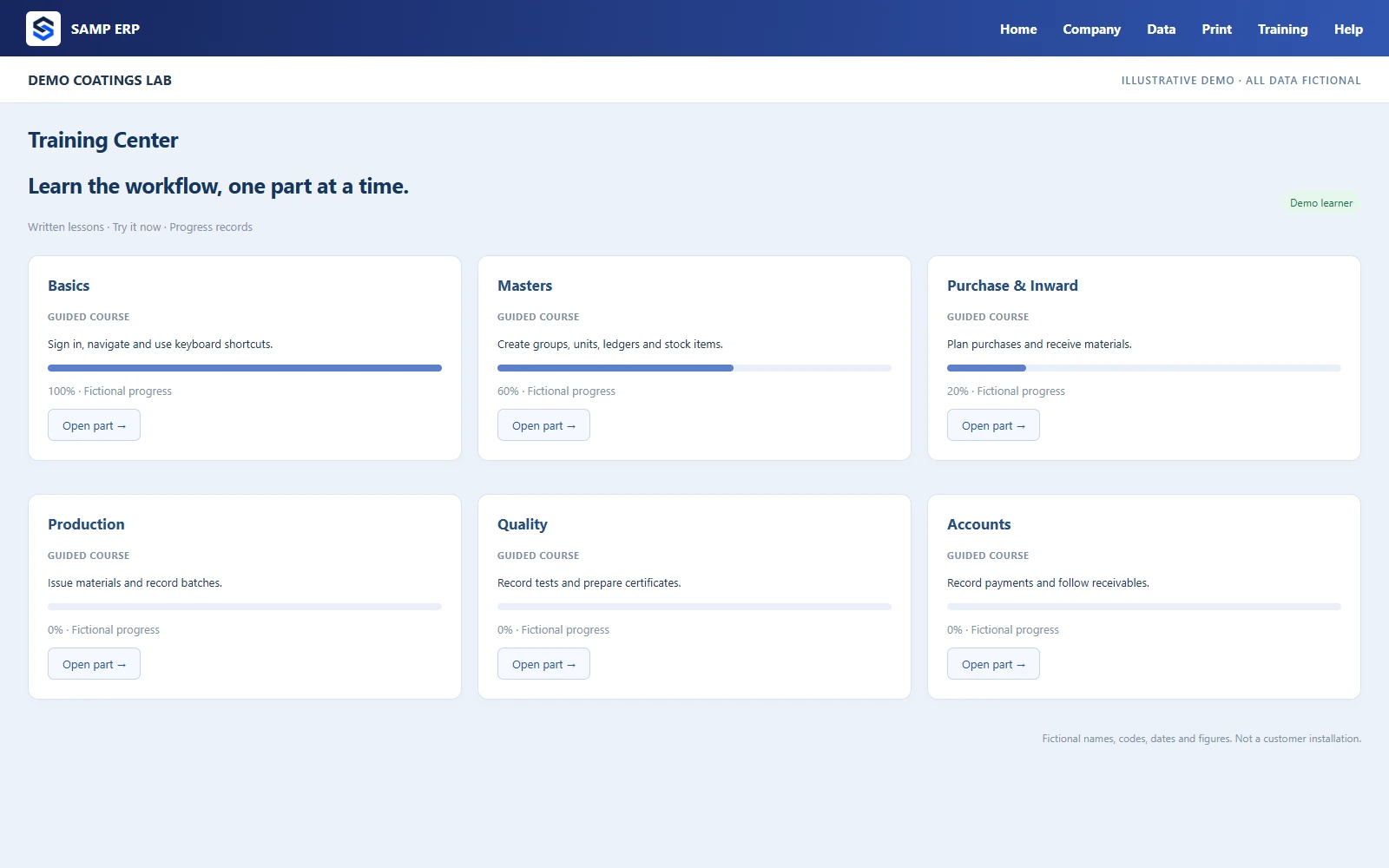
The Training Center inside the ERP teaches the workflows with guided slides and “Try it now” buttons that open the real screen. The yearly AMC covers everything else.
No — not for daily work. The server and the other PCs talk over your own office network. The internet is used for updates, the licence check, sending email and WhatsApp messages, and (if you want them) the OneDrive copy of your backup and remote access.
On your own server PC, in your factory. The ERP never sends your invoices, recipes, prices, customers or accounts to us. Our licence server only knows your organisation, your contact details and which PCs are licensed. If you ask us for support, we look at your data only with your permission and only as far as the problem needs.
Yes: GST tax invoices with CGST, SGST or IGST and a UPI QR code, receipts, payments, journals, debit and credit notes, cheques, receivables, payables and customer statements. E-invoice IRNs and e-way bills are still generated on the government portal — the ERP does not connect to it yet. Your accountant can keep using their own software for returns if they prefer.
Most of the work is putting in your masters: products, recipes, customers, suppliers and opening stock. Moving them from your old system or spreadsheets is part of the AMC, so we do it with you. Your team then learns each screen in the Training Center.
Yes. New reports, print formats, fields and changes to screens are part of the yearly AMC — no separate charge. Many things you can already change yourself: print layouts, labels, permissions and alerts.
The ERP turns read-only: everything you entered stays on your PC and can still be opened, printed and exported, but nothing new can be entered until you buy. When you buy, it opens up again with all your data. Nothing is ever deleted.
Book a free online demo. Tell us what you make, and we will walk you through your own flow, from enquiry to invoice.