
Server PC
Windows 10 or 11, 64-bit. 8 GB RAM recommended, and an SSD with room for your data and backups. It should stay switched on during working hours.
Ten areas, one database, one login. Below is what each part of SAMP ERP does today. Every item on this page is in the product you install — nothing here is a plan.
From the first enquiry to a confirmed order, with every price and credit decision checked.
From your price list or customer prices, with payment terms, emailed as PDF from the ERP.
A standard price list plus special prices per customer.
Credit-limit check and minimum selling price on every order; only an administrator can release an exception, and it is recorded.
“Fill GST” sets HSN and tax for each line from the product.
Turns the month's orders into a product breakup and a raw-material plan, each with its own printout.
Sample inward and outward, linked to TEF analysis and the shade card.
Customer complaints with root cause, corrective action and, where it applies, the supplier behind it.
Statements and receivables due, ready to send.
Job cards that know the recipe, the stock and the cost of every batch.
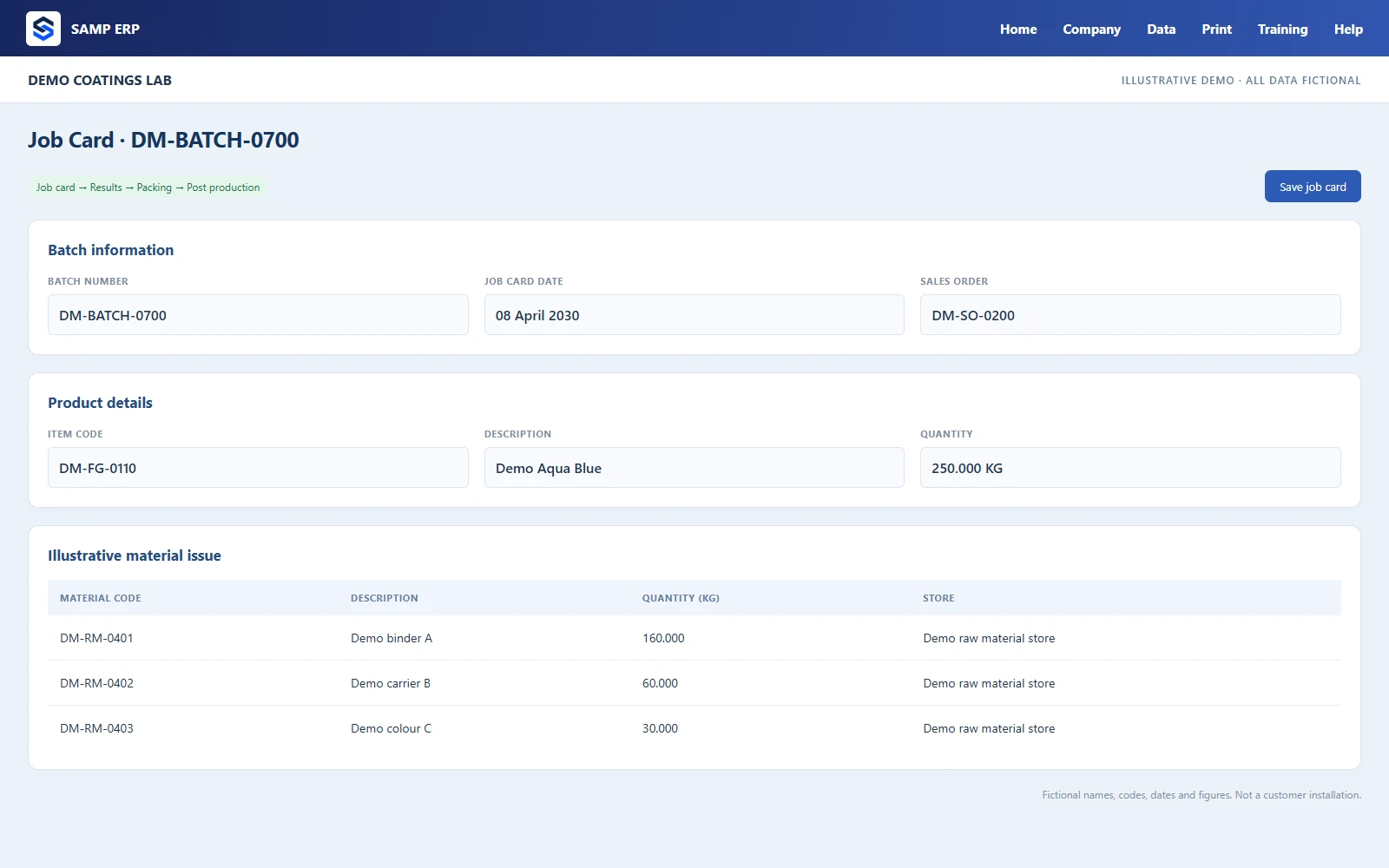
Bills of material kept in KG, with revisions and a history of every change.
Job card → Results → Packing → Post production, with a button for the next step.
Specific gravity converts litre items, so stock never drifts between units.
Concentrates, varnishes and technical solvents made, stored and issued like any item.
What to make, and what that needs from stores and suppliers.
Built from what was really issued, first in, first out.
Reports of what went into each batch and where material moved.
Tools and consumables signed out to a named person, and whether they are expected back.
One set of results, many documents — all in your own format.
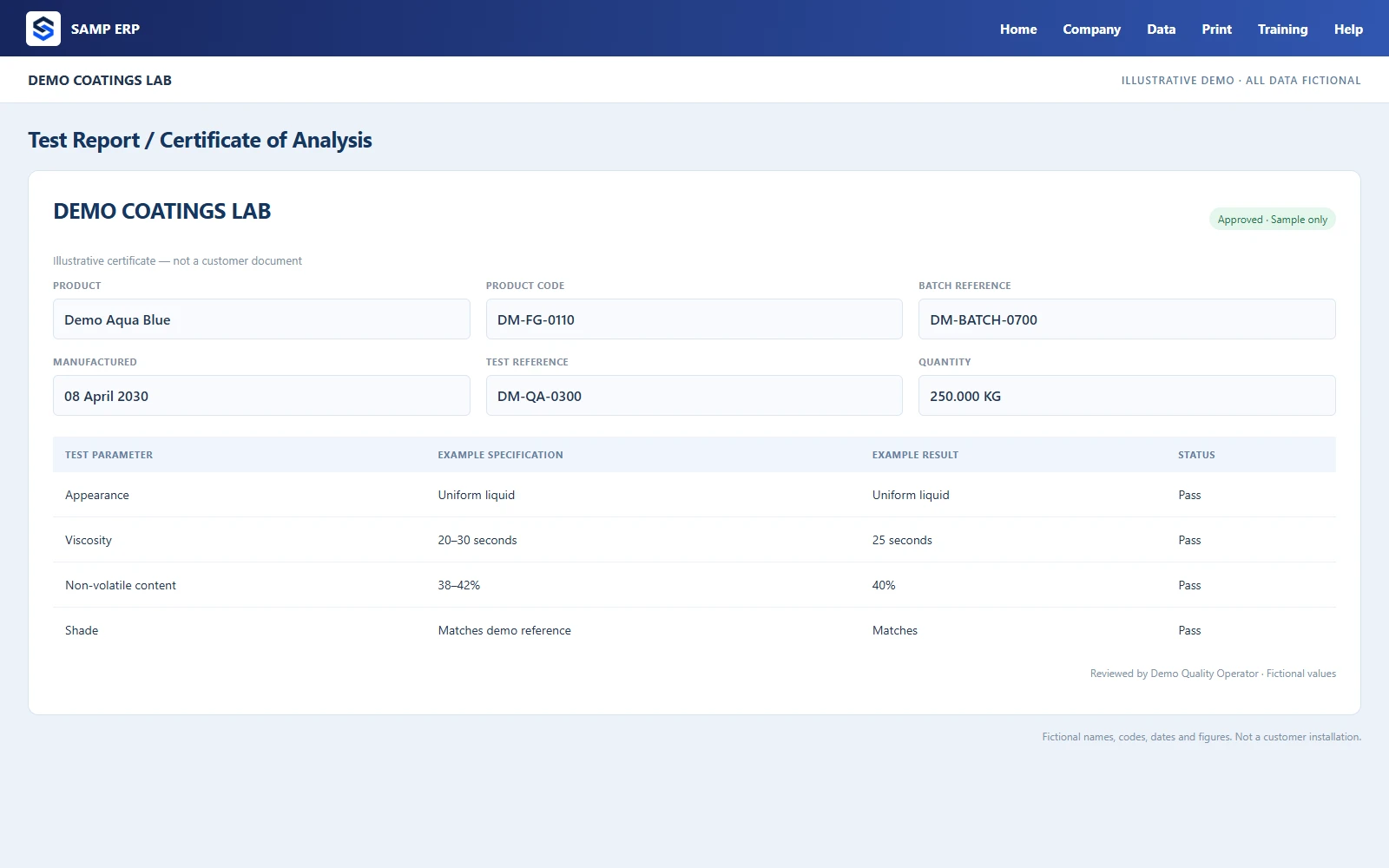
Approve, reject or partly accept each lot against your specifications.
Per batch, from the recorded results, with your properties, methods and limits.
Customer sample analysis through to the finished-goods shade card.
Master, group and product sheets with GHS hazard details, emailed as PDF.
Specification types and limits for every product and raw material.
New suppliers' samples tested and approved before the first order.
Stock you can trust, in the unit that matters.
Every quantity kept in KG, with conversions for litres, pieces and packs.
Goods received against the purchase order, with the supplier's batch numbers.
Physical counts that correct the stock, with the difference on record.
Item by item, with movements and values.
Opening, in, out and closing for the month, on one sheet.
Minimum levels per item, with the shortest first.
RM rejections, sales returns and general rejections, each with its document.
Close a period so nobody changes it by mistake.
Buy the right quantity, at the right price, from suppliers who deliver.
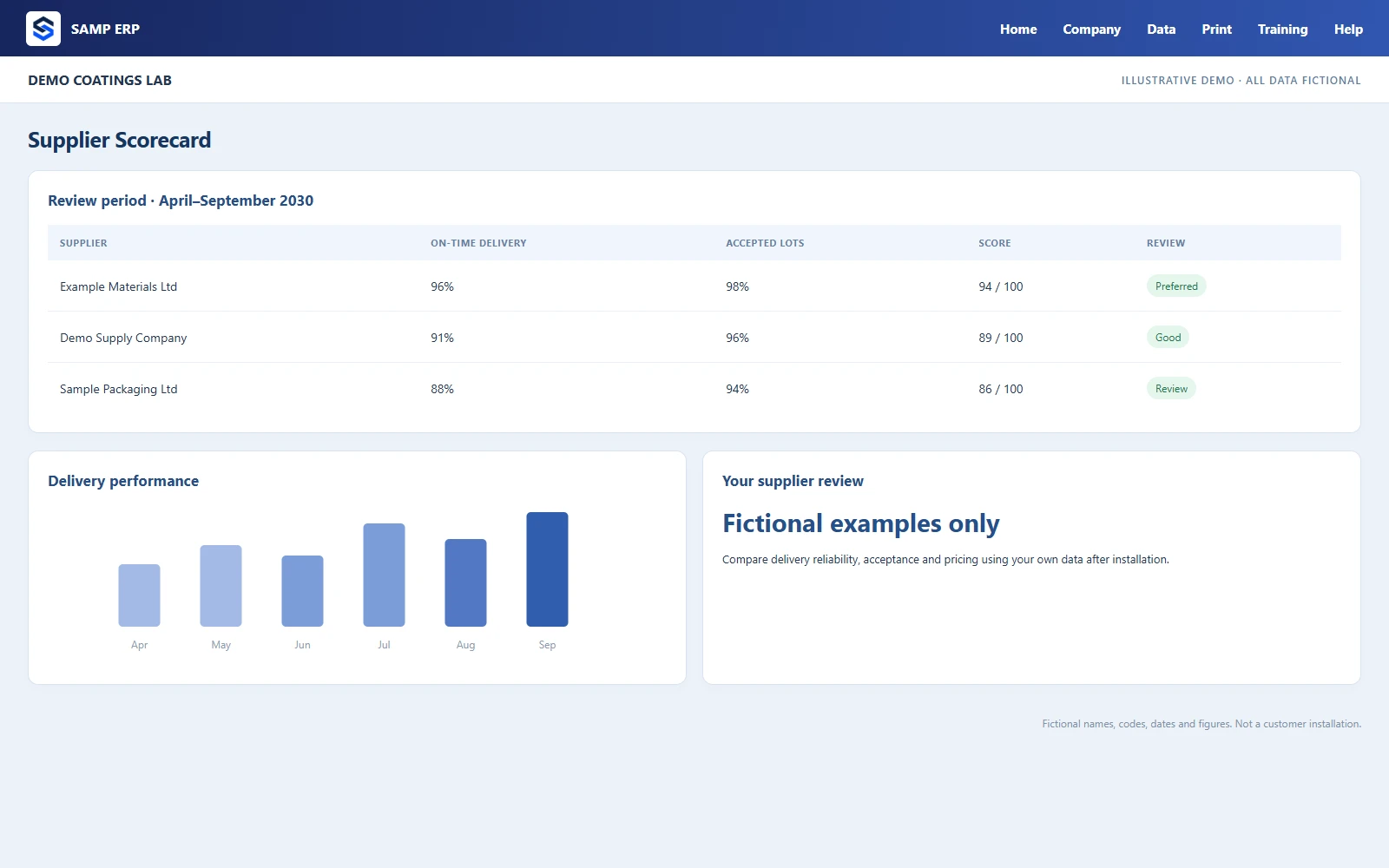
Requisition, quotation analysis and a formal purchase order in one flow.
Warnings when a quoted packing charge is out of line, with a permission to override.
See what is still to come, and cancel a balance that will never arrive.
On-time delivery, lead time, rejections and complaints per supplier.
Payments allocated to purchase orders, with round-off for small differences.
What you owe, to whom, and when.
The money side of every movement, without retyping it.
CGST, SGST or IGST, HSN, place of supply, your bank details and a UPI QR code.
Generated on the government portal from the invoice details; the ERP does not connect to the portal yet.
Payment in and out, allocated against invoices and inwards.
Service and expense bills with their payments.
For everything that is not a sale or a purchase.
Cheque register and cheque printing on your bank's layout.
Groups, ledgers and contacts for every party.
What is due, what is overdue, and statements per customer.
Monthly sales register and the MIS stores and GST sheet.
Every document that leaves the factory, looking the way you want.
Pack sizes, packing materials and totals, straight from the job card.
With their own numbering, made from the packing list.
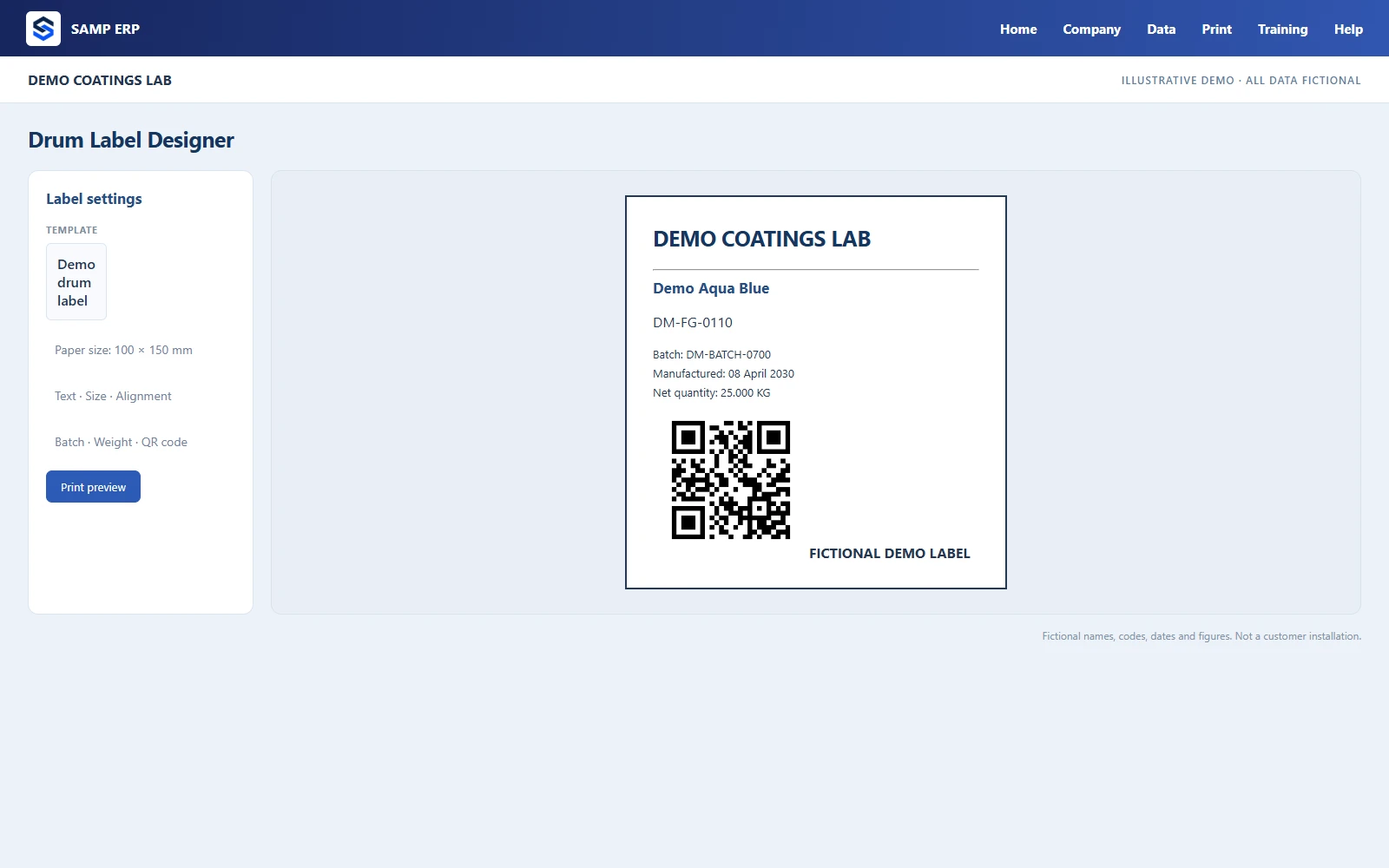
Draw drum labels to scale with data fields, logo, QR code and barcode.
Change any printout, keep several named templates, choose a default.
Every document as a PDF on the server, ready to email or archive.
Declarations against your marine open policy, made from your dispatches.
The answers you need, without waiting for someone to make a spreadsheet.
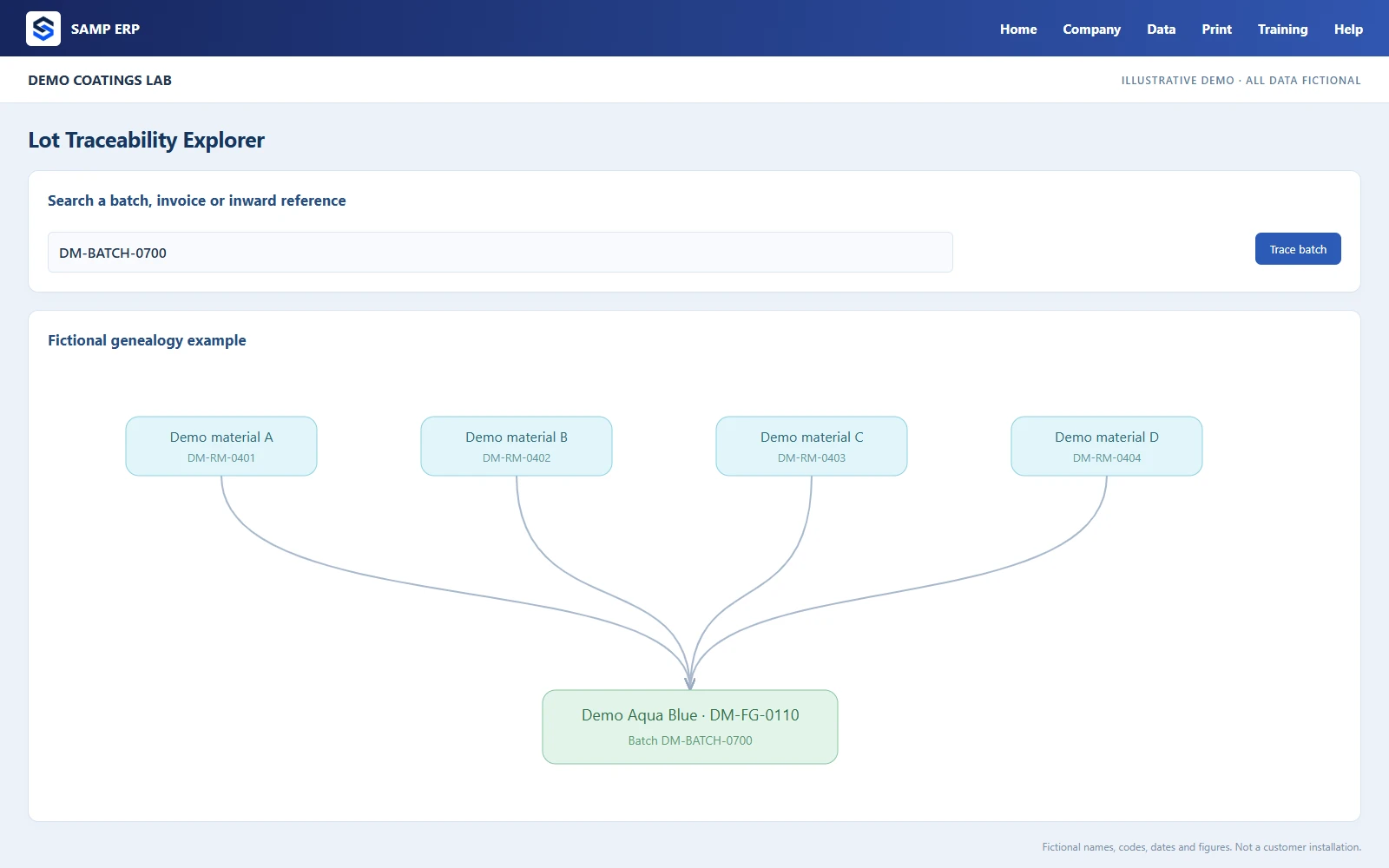
Backward from a batch or invoice to supplier lots, forward from an inward to every batch and invoice — for a recall in seconds.
Pending orders, goods awaiting dispatch, pending QA and low stock on one screen.
Ask in plain English — stock, dues, sales, recipes — and get the answer from your records.
Most lists and reports can be filtered, printed and exported to CSV.
The right message to the right person, from inside the ERP.
Email, WhatsApp and SMS from one place, with drafts and a record of what was sent.
Send documents through your own WhatsApp Business account, with approved templates.
Indian SMS providers, with the DLT template IDs the rules require.
Low stock, payments due, purchase orders overdue, documents waiting for you.
The things an owner and an auditor want to see.
126 permissions grouped by area, by role and per person.
All the companies of your group in one installation, each with its own books.
Who changed what, when, from what to what — kept even if a record is deleted.
Corrections to saved documents by authorised people, each one recorded in the audit trail.
Once a day, checked for integrity, with an optional OneDrive copy.
Checked, installed and verified on the server and every PC, with automatic rollback.
Operator PCs find the server by themselves; no IP addresses to type.
The owner can open the ERP from outside the factory, when allowed.
Enter, arrows and shortcut letters on every screen.
A course with 89 slides, Try it now links and records of who has completed what.
Windows 10 or 11, 64-bit. 8 GB RAM recommended, and an SSD with room for your data and backups. It should stay switched on during working hours.
Windows 10 or 11, 64-bit, on the same network as the server. Each PC finds the server by itself — no IP addresses to type.
Not needed for daily work on your network. Used for updates, the licence check, email and WhatsApp, and the optional OneDrive copy and remote access.
Book a free online demo. Tell us what you make, and we will walk you through your own flow, from enquiry to invoice.